Use this quick guide to access your account securely. Always enter your mobile number and OTP exclusively through the official 222Rs application.
How to Login
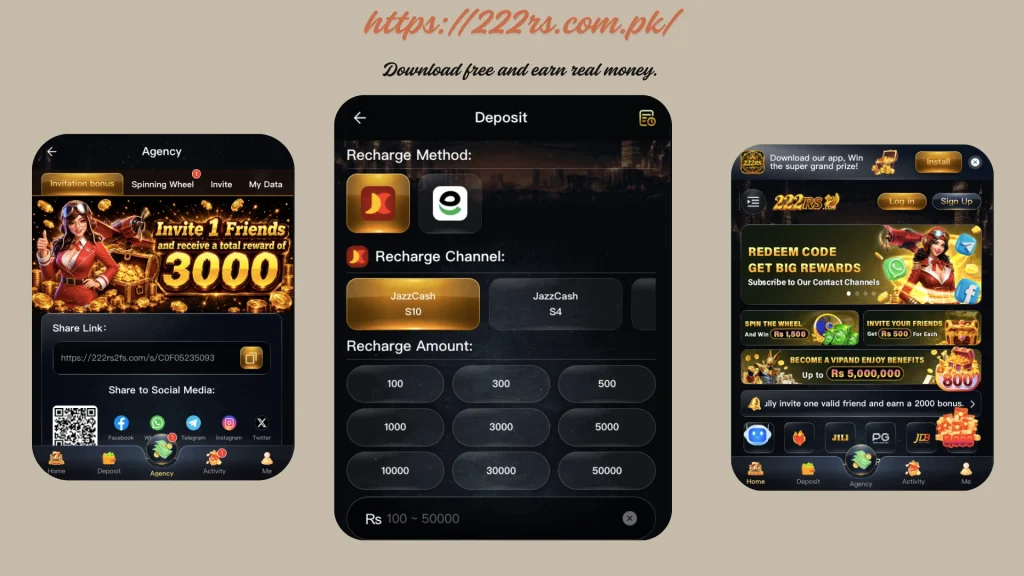
· Launch the 222Rs app on your mobile device.
· Click on the Login button displayed on the home screen.
· Type in your registered mobile number using the format 03XXXXXXXXX.
· Watch for the OTP delivery via SMS, then input the received code.
· Press Confirm and allow a few seconds for the system to verify and log you in.
Common Login Fixes
· OTP not showing up: Ensure you have proper network reception, disable any active VPN connections, restart your device, and wait 1–2 minutes before requesting a new code.
· Incorrect number entry: Always use exactly 11 digits beginning with 03 – avoid using +92 or any other prefixes.
· Multiple failed logins: If you get locked out, pause for 5–10 minutes and attempt again with correct details to avoid further delays.
We never request your OTP or password. This page serves purely as a reference guide. For users aged 18 years and above only.